Kitchen guides
Useful systems for the recipes you already love
Clear, practical notes on getting recipes out of your camera roll, planning a week that reflects real life, and estimating a grocery budget without pretending the data is perfect.
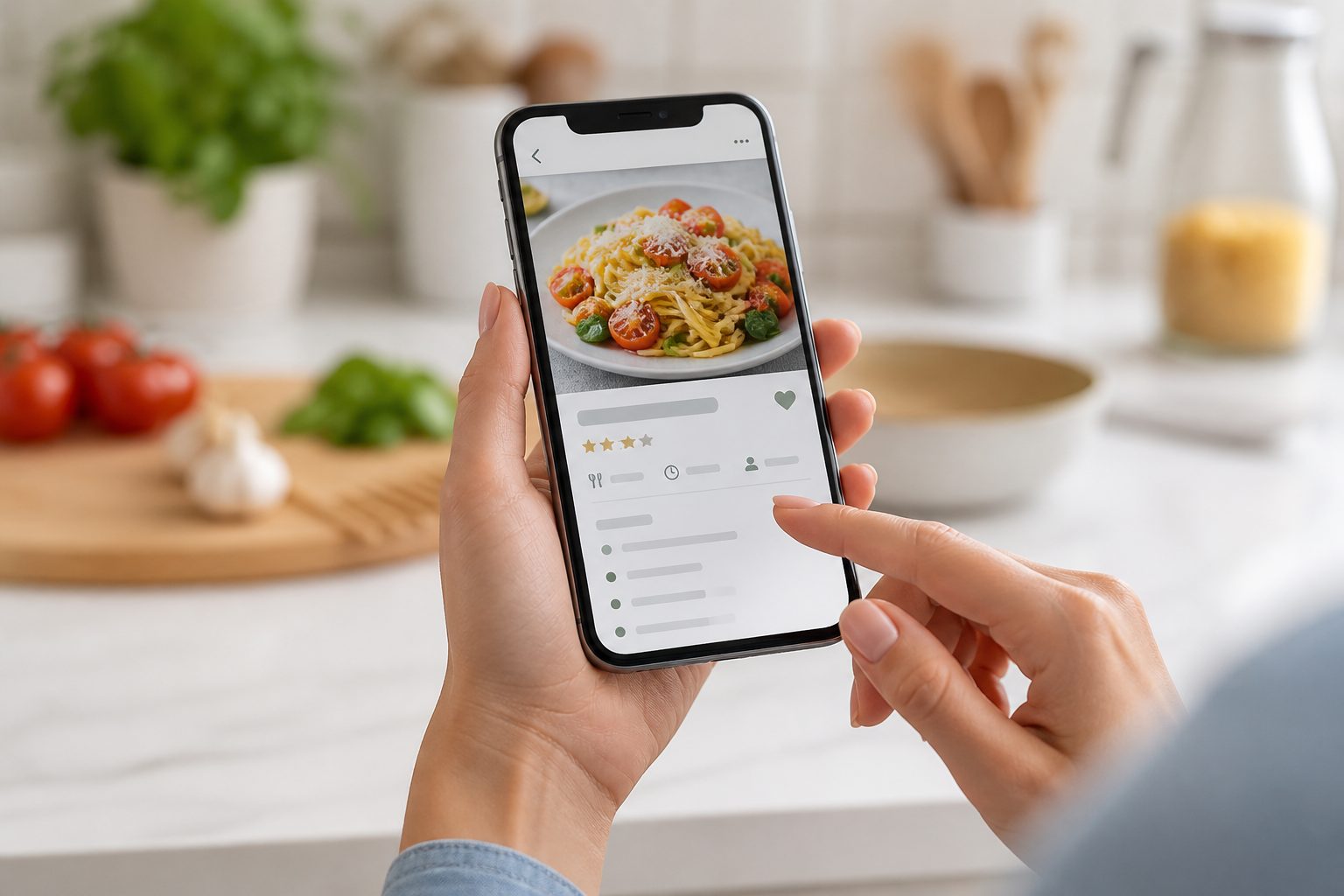
Recipe capture guide
How to turn recipe screenshots into a library you use
A practical system for moving recipes out of your camera roll, checking the important details, and building a personal collection that stays useful.
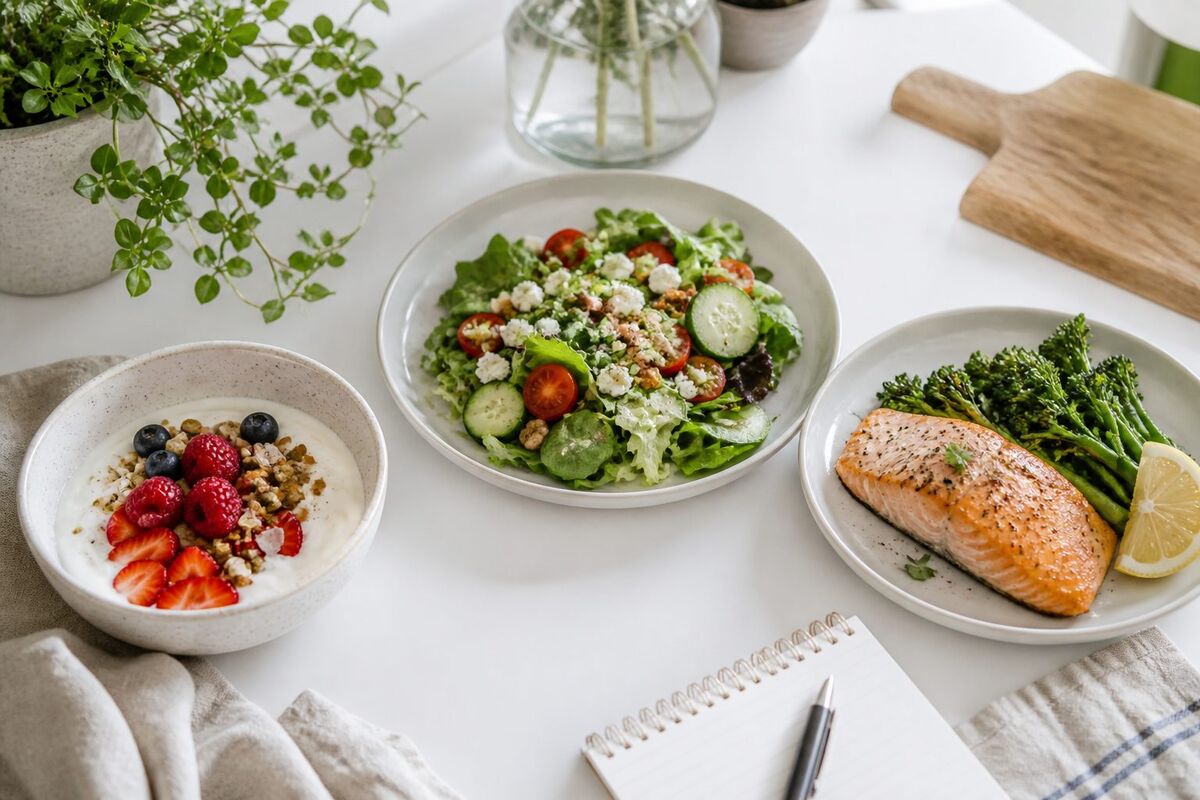
Meal planning guide
How to plan a week from recipes you already love
A flexible weekly planning method that starts with your own recipe library, leaves room for real life, and leads to one useful shopping list.
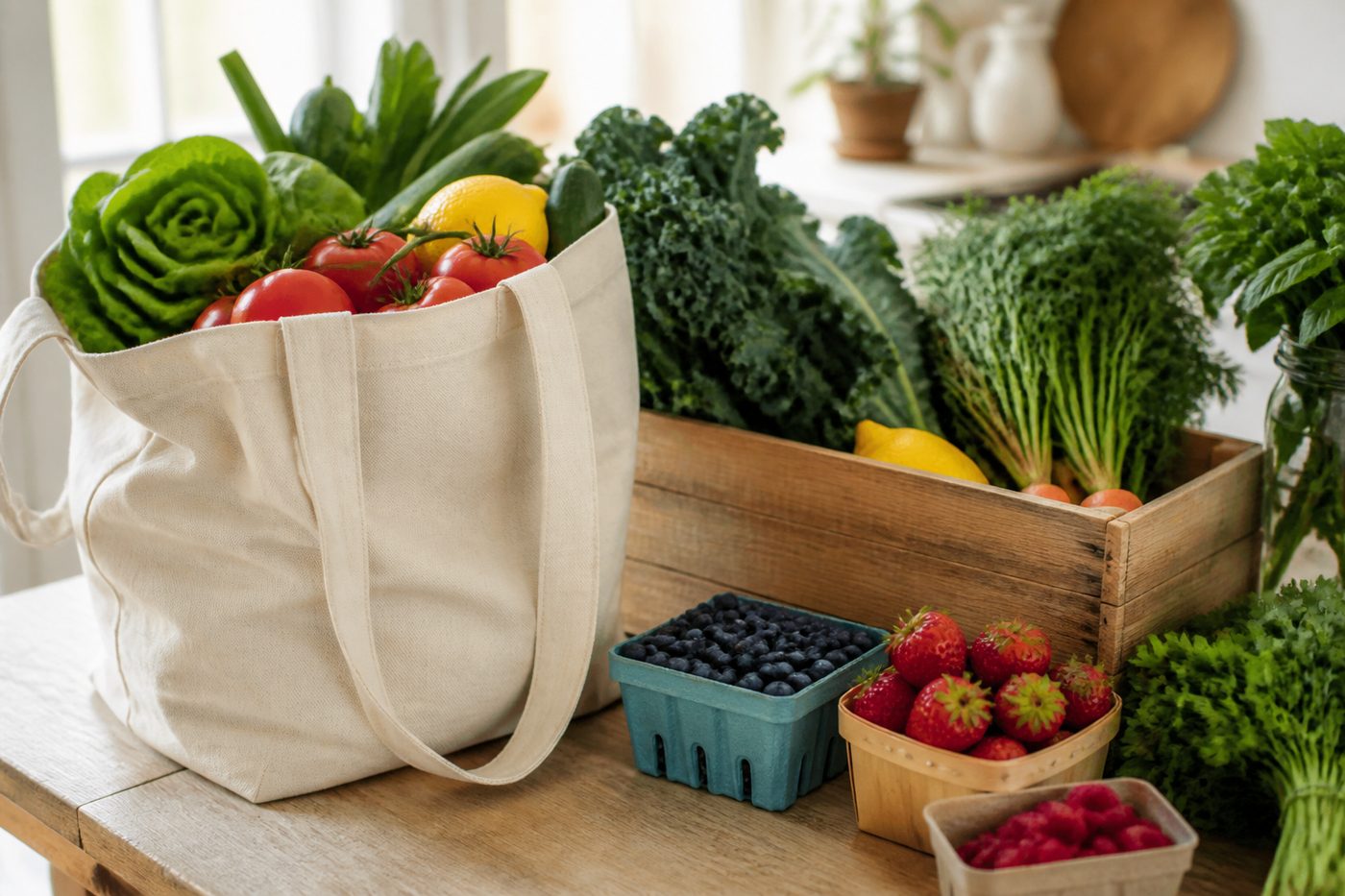
Kitchen budget guide
How to build a weekly grocery budget from your recipes
Use personal ingredient prices, honest partial estimates, planned serving sizes, and actual spend to make a grocery budget that reflects your household.
Recipe capture, in depth
Screenshot to Recipe: The Complete Guide
Every angle of turning a saved recipe screenshot into something you can actually search, plan from, and cook: why the screenshots pile up, what breaks when you rely on them, how Kyura reads one, and why that is different from retyping a recipe by hand.
Recipe capture from Instagram
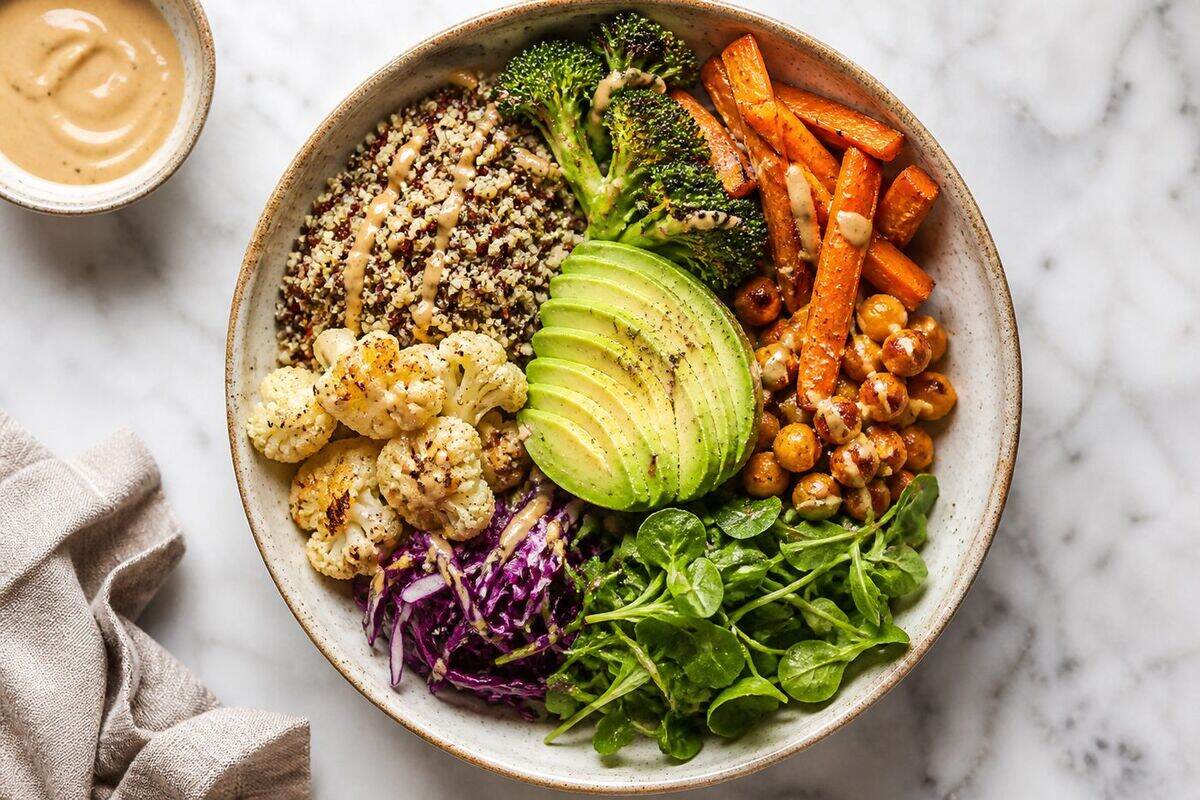
How to Save Recipes from Instagram (and Actually Find Them Again)
Instagram's native save and Collections feature is quick, but it was built for browsing, not cooking from. Here is what it does well, where it falls apart at scale, and how to turn a save into a recipe you can plan a week around.
Recipe capture from TikTok
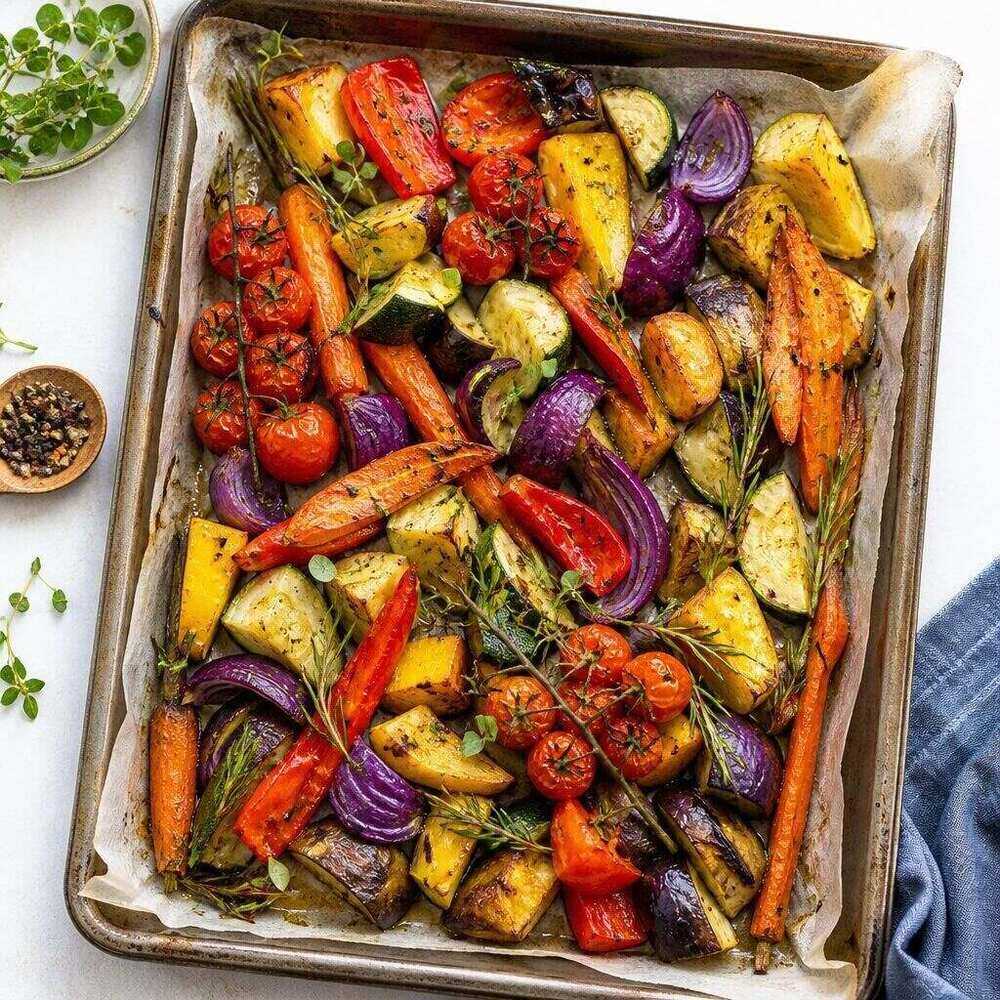
How to Save Recipes from TikTok Without Losing Them
TikTok's Favourites folder is even easier to fill and harder to use than an Instagram Collection, because the recipe detail usually lives in the video itself, not the caption. Here is how to actually get a recipe out of a saved video.
Recipe organisation, compared
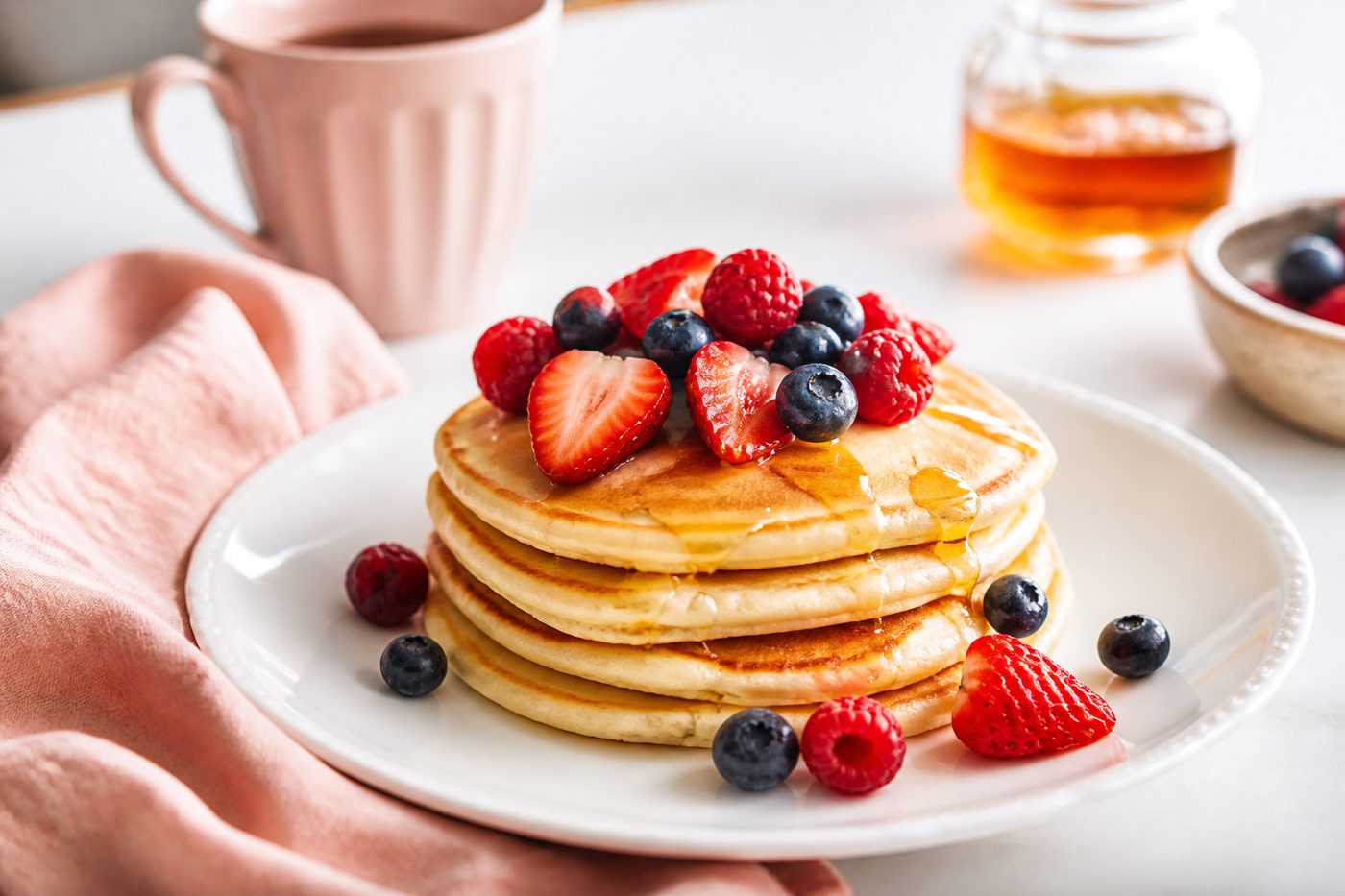
Digital Recipe Binder vs Recipe App: Which One Actually Works
Google Docs, Pinterest boards, and printable binder templates are free and familiar. A dedicated recipe app adds structure, search, and a line to meal planning. An honest look at where each one earns its place.
Recipe capture, by source type
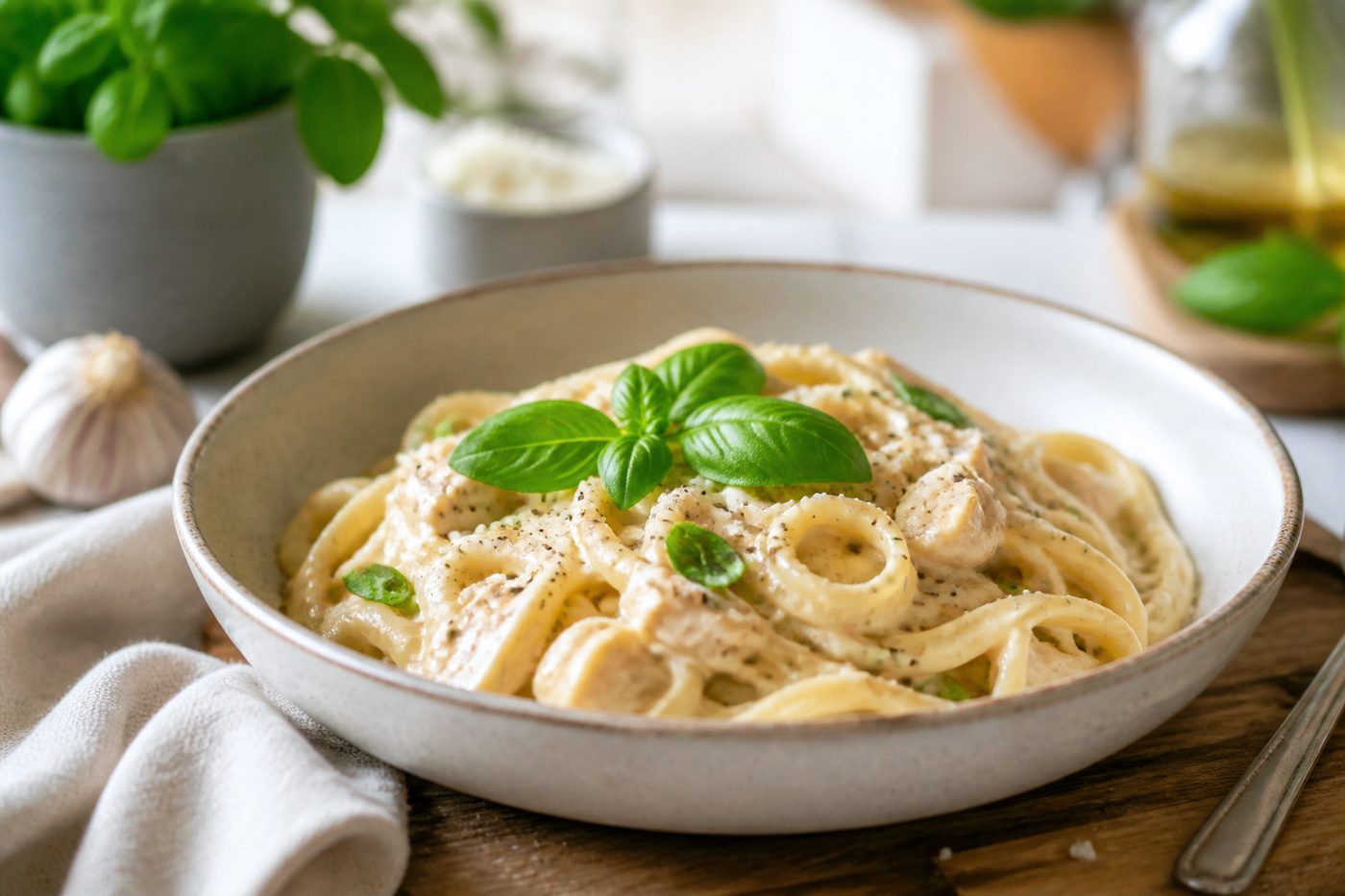
Recipe Scanner Apps Explained: Cookbook Pages, Handwritten Cards and Screenshots
A printed cookbook page, a handwritten family card, and a phone screenshot are three different kinds of source, each with its own quirks. Here is how each one is actually handled, and what to check before you trust the result.
iPhone recipe organisation
How to Organise Recipes on iPhone (Without Fifteen Different Apps)
Screenshots in Photos, links in Notes, pins on Pinterest, a Saved folder on Instagram: an honest look at what actually works natively on iPhone, where Kyura fits today, and what changes if a native app arrives.
Meal planning, from scratch
Meal Planning for Beginners: A Realistic Starting Point
Most meal planning advice assumes a colour-coded spreadsheet and a Sunday batch-cook session. Here is a smaller, realistic starting point: three anchor dinners, recipes you already know, and room for the plan to change.
Our editorial rule
Advice should be as honest as the product
These guides do not promise fixed grocery savings, perfect image extraction, medical nutrition advice, or live supermarket prices. They explain the real workflow, the useful limits, and the decisions that still belong to the cook.
Your recipe collection is waiting
Open Kyura on the web, add the first recipe you want to keep, and build the week from food you already love.
Web app available now. Native store links will appear after publication.