Kyura · pronounced Kyoo-rah
Your recipes,finally tended.
Capture the recipes buried in screenshots and cookbook photos. Kyura turns them into a clean personal library, then helps you plan the week and shop from food you already love.
Web app available now · 7-day Premium trial where offered · Android app in early access
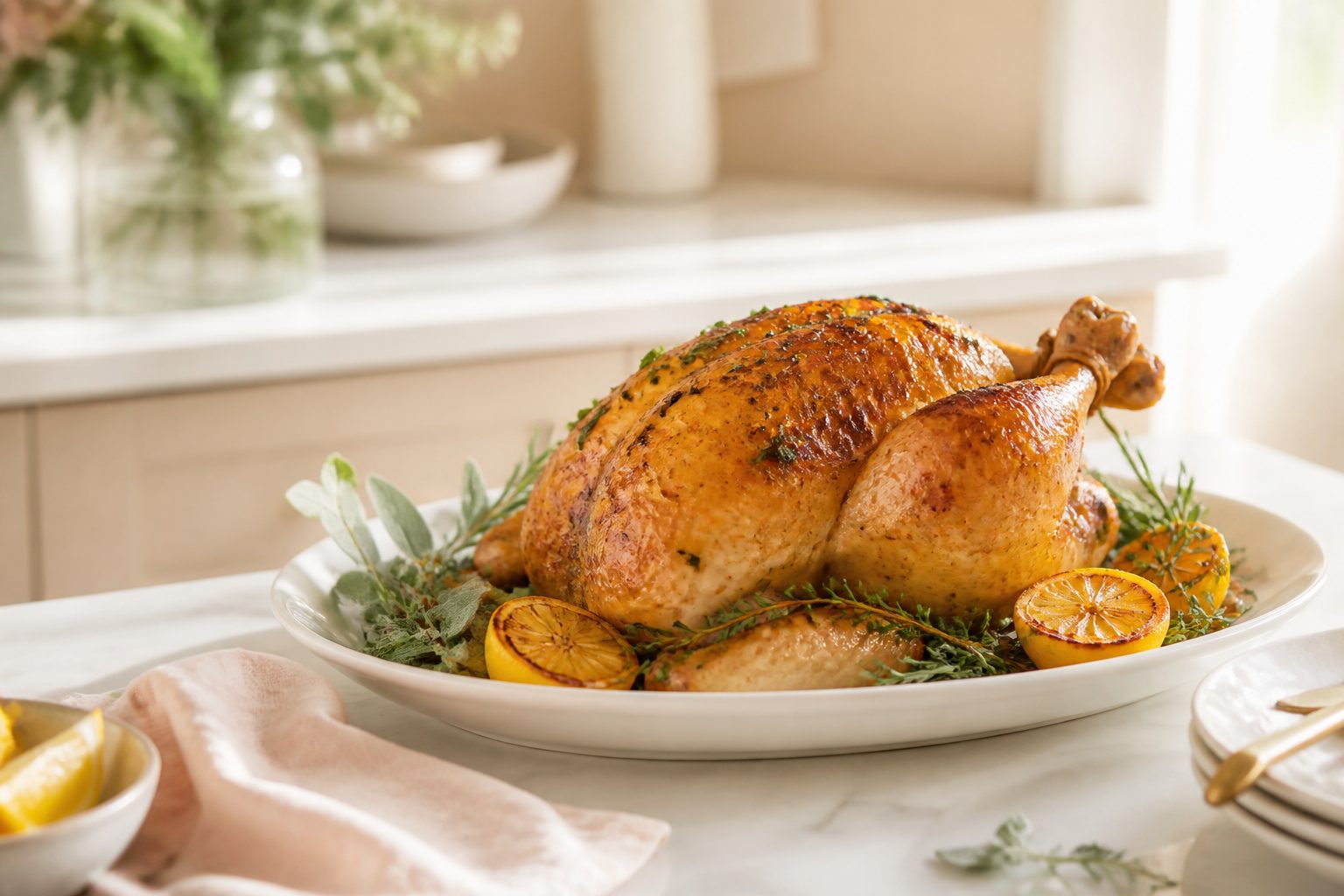
Screenshot in. Recipe ready.
Review the details before anything enters your library.
Your recipes only
Generate my week never invents a dinner.
Review before save
You confirm every extracted recipe field.
Prices you control
The v1 budget uses your ingredient list.
From inspiration to something useful
Your camera roll is not a recipe library
A screenshot remembers the picture. Kyura remembers the ingredients, method, serves, timing, and the reason you saved it. You check the draft first, then keep it in a collection built around how you cook.
Explore screenshot capture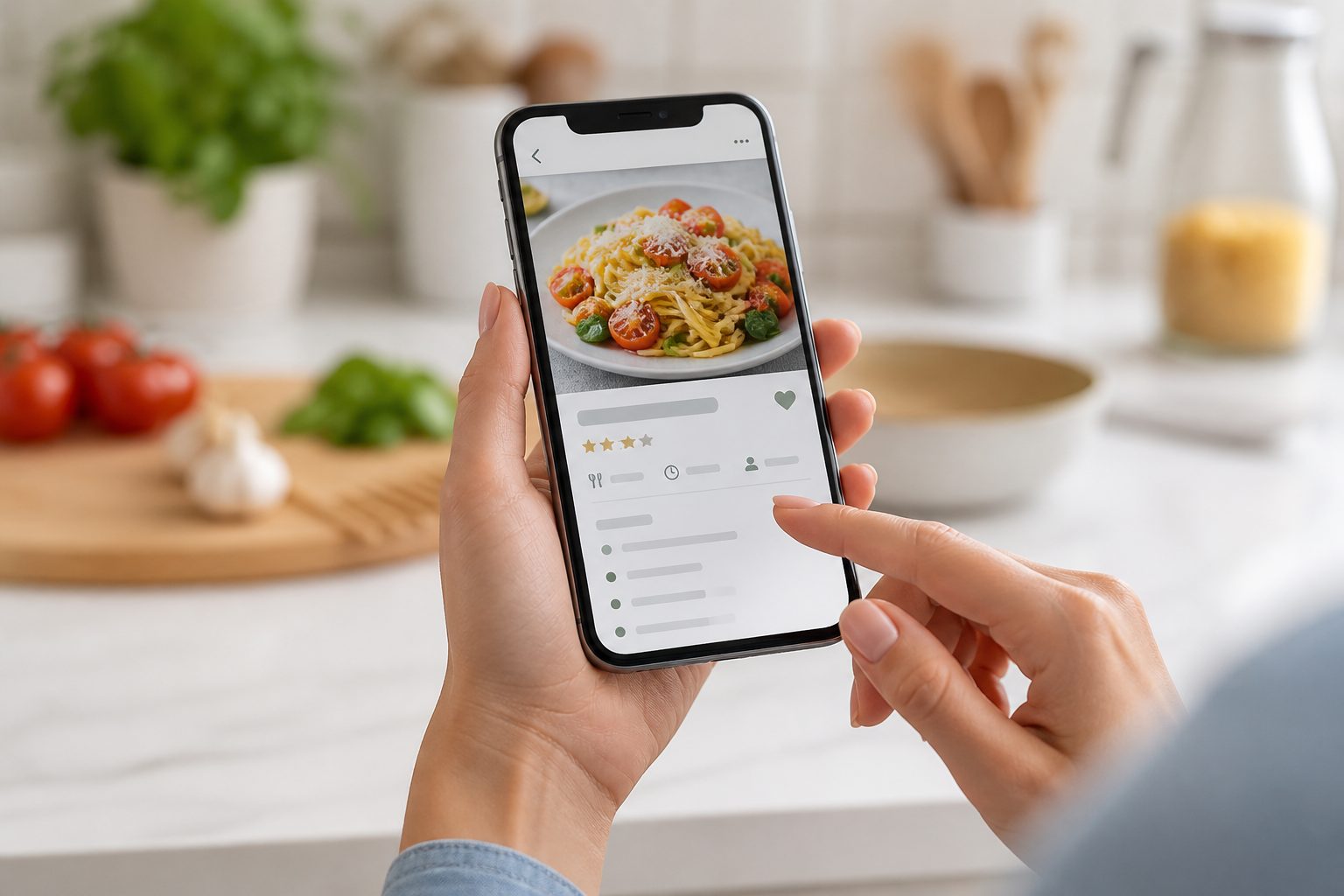
A calmer path to dinner
Capture. Review. Plan. Shop.
01
Capture
Choose a recipe screenshot, social post, blog capture, or cookbook photo. Kyura turns it into an editable draft.
Read more →02
Review and organise
Check the draft, correct what needs attention, set useful tags, and save it to a library you can search.
Read more →03
Plan and shop
Plan with recipes you already love, generate one consolidated list, and keep the week within the budget you set.
Read more →Generate my week
Planning help without surprise AI dinners
Kyura builds a draft week from recipes already in your library. It considers dietary preferences, effort, recency, variety, household size, and budget, then leaves every slot open for your review.
See how generation worksYour week
Built from your library
Lemon herb chicken
Quick · $4.20 / serve
Roast vegetable pasta
Medium · Vegetarian
Leftovers
No extra shop
Coconut lentil curry
Quick · Dairy free
The full kitchen rhythm
One organised path from saving to shopping
From camera roll to cookbook
Screenshot to recipe
Upload a screenshot or photo. Kyura reads the title, ingredients, method, times, and serves, then lays everything out cleanly for you to review before saving.
A place for every recipe
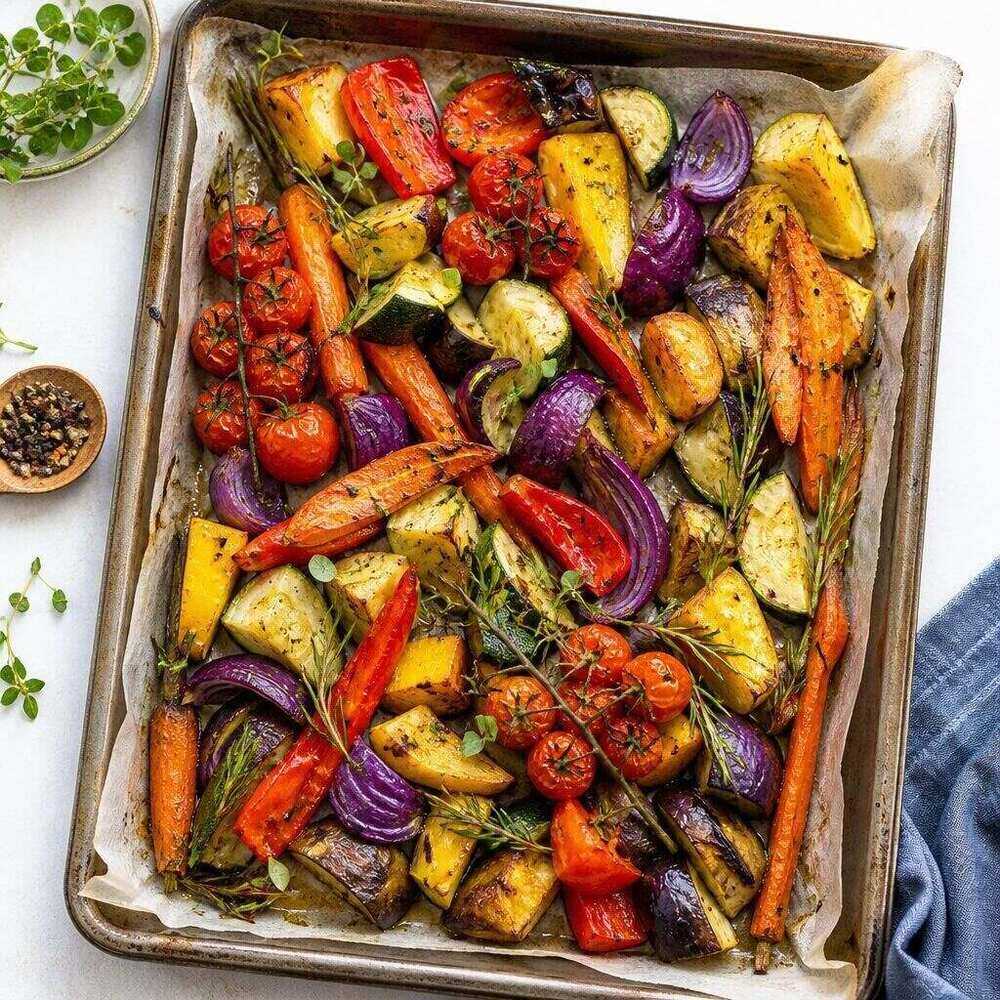
A recipe library you can find things in
Search by title or ingredient, filter by meal type, cuisine, effort, and dietary tag, then sort the collection in the way that helps you cook.
One list from the whole week
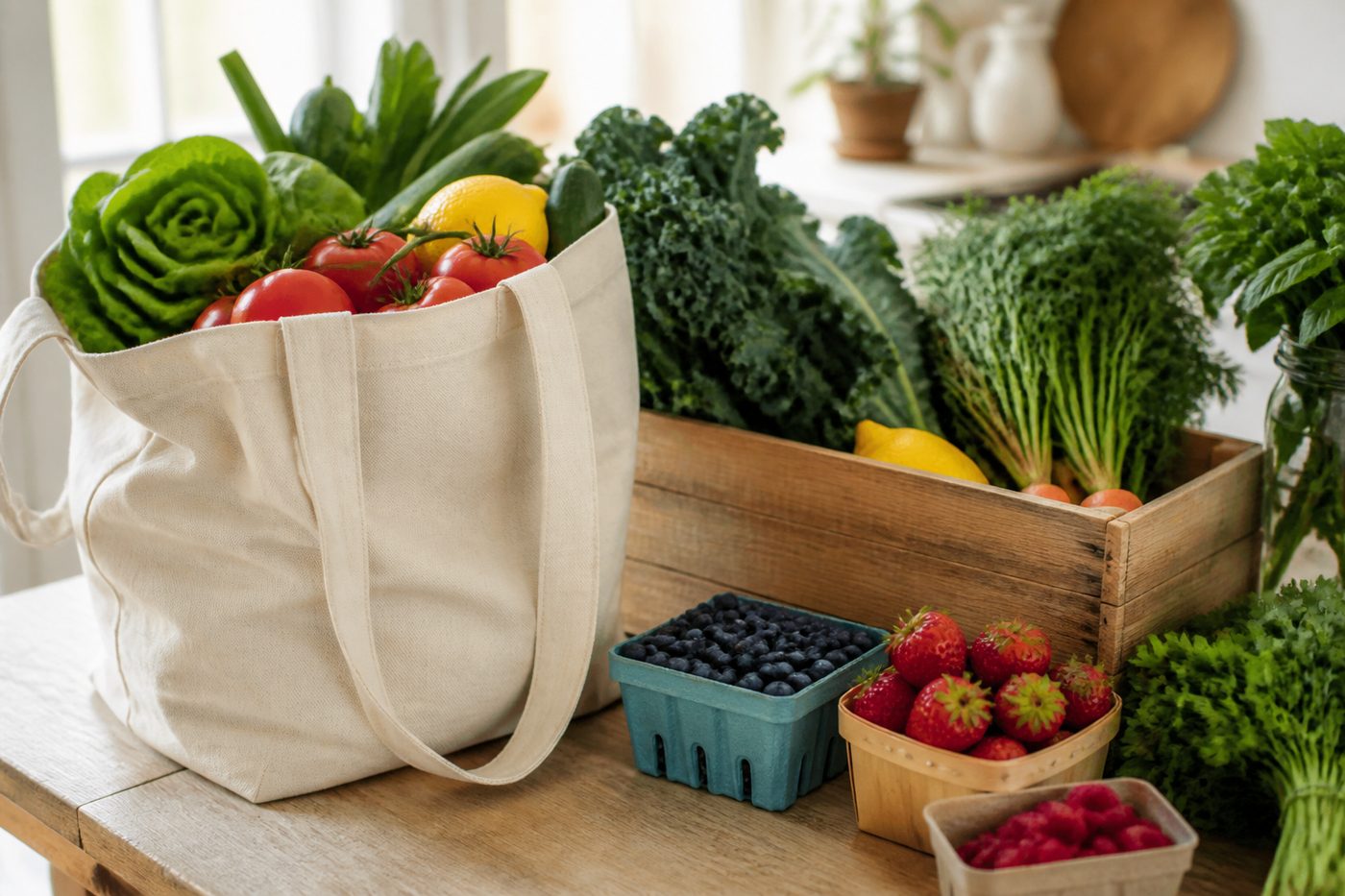
Smart shopping lists
Build one list from several recipes or a full week. Matching ingredients consolidate, pantry staples can be excluded, and every item stays easy to tick off.
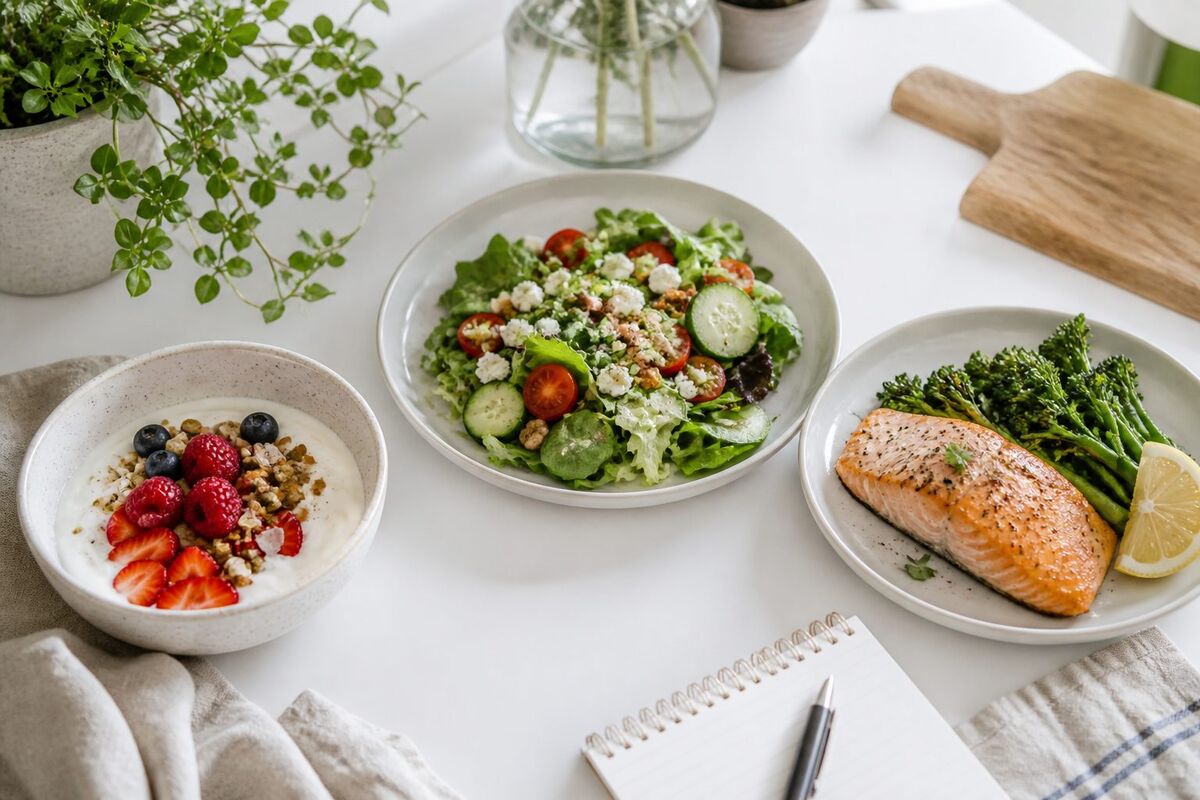
A week made from your library
Weekly meal planner
Fill breakfast, lunch, dinner, and snack slots from your saved recipes. Add leftovers or takeaway as text, adjust serves, and build the week’s list in one tap.

Know what your week may cost
Budget-aware cooking
Your ingredient price list powers recipe and cost-per-serve estimates. Compare the shopping list with a weekly budget and replace estimates with actual prices as you shop.
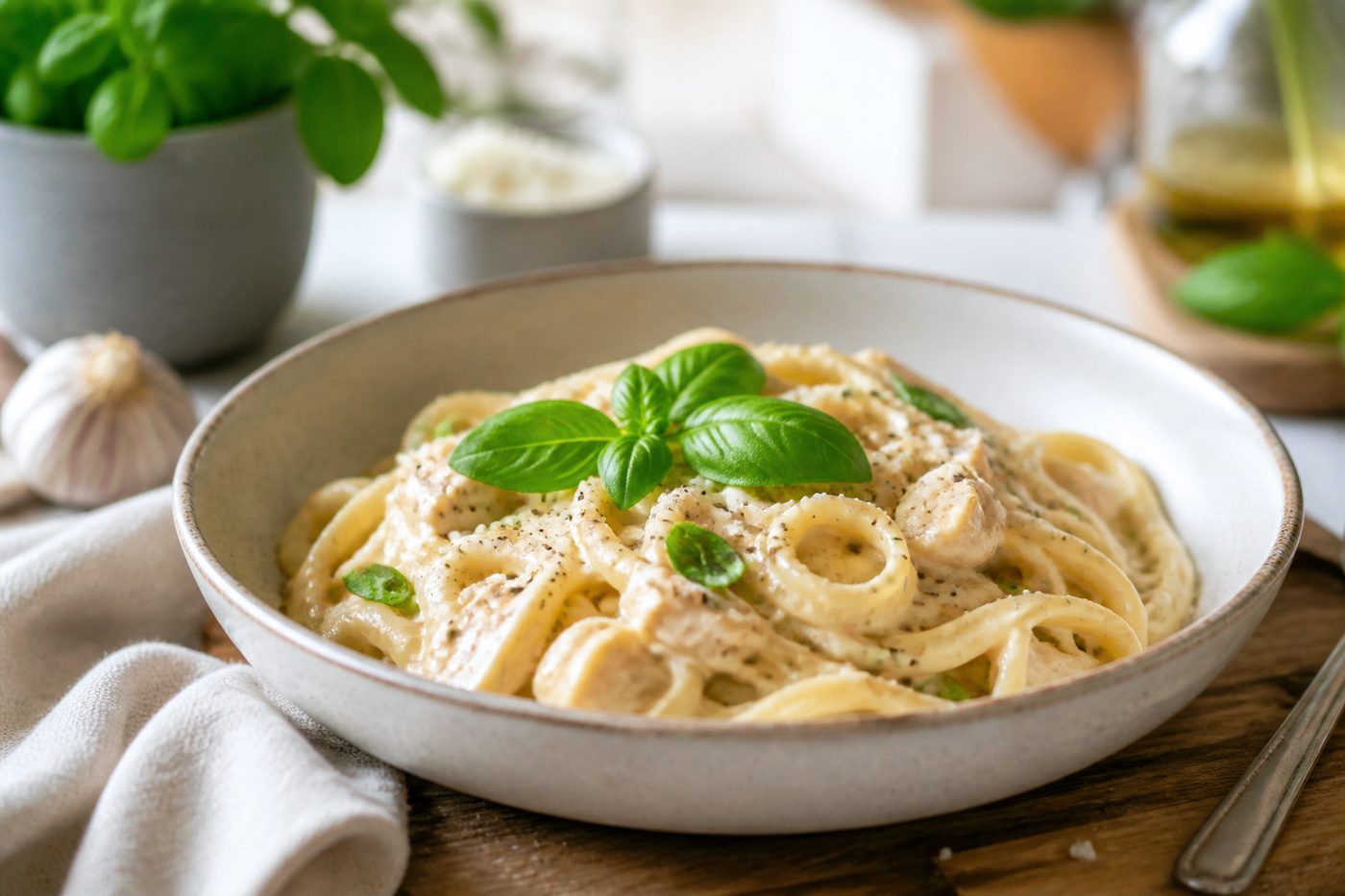
Planning help without invented dinners
Generate my week
Generate a week from your own saved recipes, matching dietary preferences, effort, variety, recency, household size, and budget awareness.
Start small
Free for the first recipes. Premium for the whole week.
The free tier gives you a small manual library and basic list. Premium adds the screenshot workflow, planner, budget, smart generation, unlimited saves, and sync.
Free
$0
Start a small recipe library and try the core workflow before you subscribe.
7-day free trial
Premium
The full recipe-care workflow, including screenshot capture, planning, shopping, budget tools, and sync.
What can I do on the free plan?
The free tier is for trying the basic recipe workflow. You can save up to 10 recipes by entering them manually, search the collection, and keep a basic shopping list. AI screenshot capture, the full weekly planner, automatic tagging, budget tools, smart week generation, unlimited saves, and cross-device sync are Premium features.
How does the 7-day Premium trial work?
New accounts can try Premium for seven days where the trial is offered in the app. The app shows the current price, billing period, payment provider, and renewal terms before you confirm. You can manage or cancel the subscription through the same account or store that charged you.
How accurate is screenshot capture?
Kyura uses image reading and recipe parsing to prepare a structured draft. Accuracy depends on image quality, cropping, handwriting, and the original layout. You review and can edit the title, ingredients, method, timing, and serving size before the recipe is saved.
Does Generate my week invent recipes?
No. The generator only selects from recipes already saved in your library. It can match dietary preferences, effort, recency, variety, and budget information. If the library cannot fill the week, Kyura shows the gaps instead of fabricating meals.
Is nutrition advice medical?
No. Nutritional estimates are approximate and for general guidance only. Dietary tags and preferences are organisation tools, not medical advice or an allergy guarantee. Always review the original recipe, ingredient labels, and advice from a qualified health professional where needed.
Where do ingredient prices come from?
In v1, you enter the prices and units for ingredients you buy. Kyura uses that personal list for recipe and shopping estimates. It does not claim live supermarket prices at launch. A future retailer integration may be added after the core price-list workflow is established.
Your recipe collection is waiting
Open Kyura on the web, add the first recipe you want to keep, and build the week from food you already love.
Web app available now. Native store links will appear after publication.