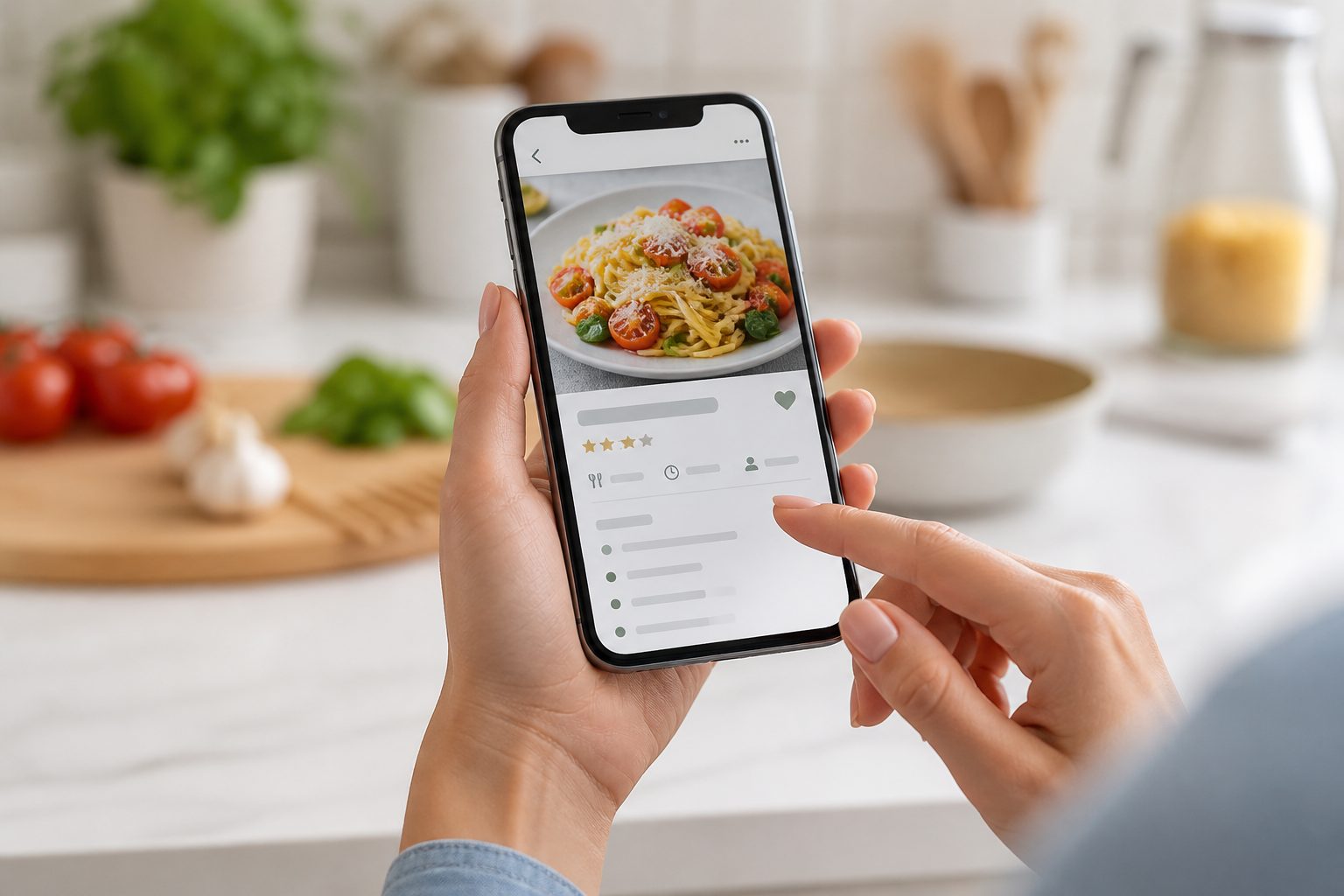
Why almost everyone ends up with a phone full of recipe screenshots
Recipes arrive from more places than they used to. A friend sends a photo of a page from her mother's cookbook. A recipe surfaces mid-scroll on Instagram or TikTok. A food blog runs three paragraphs of a story before the ingredient list, so a screenshot of just the list feels faster than bookmarking the page. A group chat shares a dinner idea and someone screenshots it before it disappears into the scroll.
A screenshot is the fastest way to keep a claim on something before the moment passes. It takes one tap, needs no account, and works the same way across every app. That is exactly why it becomes the default, and why almost nobody stops to build a better system before the pile gets large.
The problem is not that people take screenshots. It is that a screenshot was only ever designed to capture a moment, not to become a searchable, usable record of a recipe.
What actually breaks when a recipe stays a screenshot
A photo is a flat image. The phone can index the words in it a little, but it cannot separate an ingredient list from a method, cannot scale a serving size, and cannot answer a question like "what can I make with chicken and thirty minutes" across hundreds of saved images.
Screenshots also live inside a camera roll built for photos of people and places, not recipes. A recipe screenshot sits between a holiday photo and a screenshot of a parking receipt, with no meal type, cuisine, or dietary tag attached to it. Finding it again depends on remembering roughly when it was saved.
The deeper issue is disconnection. A screenshot cannot fill a meal plan slot, cannot feed into a shopping list, and cannot carry a cost estimate. It is inspiration, permanently stuck at the inspiration stage.
A screenshot is only one of several messy sources
Recipes worth keeping do not only arrive as phone screenshots. A cookbook borrowed from a friend, a handwritten card passed down in a family, and a photographed page all carry the same underlying problem: the information exists, but not in a form you can search or plan from.
Each source has its own quirks. A printed cookbook page uses a consistent typeface but sometimes odd formatting conventions. A handwritten card varies with the writer and may use personal shorthand like "a pinch" or "cook until it looks right". A social media screenshot might have the method on-screen but the quantities only spoken aloud in a video.
How Kyura actually reads a screenshot
The starting point is always an image you provide: a screenshot from your camera roll, or a new photo taken on the spot. Kyura does not pull recipes in from social platforms automatically. You choose the source.
From that image, Kyura reads the visible recipe and builds a structured draft: the title, ingredient list, method, serving size, preparation time, and cooking time are separated into fields you can edit individually, rather than staying locked inside a picture. Nothing is added to your library at this point. It is a draft, sitting next to the original image, waiting for you to look at it.
The source image is kept attached to the finished recipe. If a cropped screenshot, unusual layout, or handwriting causes a mistake in the draft, you can open the original alongside it and correct the field directly.
- Choose a screenshot from your camera roll or take a new photo
- Kyura separates the image into title, ingredients, method, serves, and timing
- The draft is editable, and the original image stays attached for reference
- Extraction needs an internet connection; nothing saves without your review
Why the review step is not optional
Image reading can save a lot of typing, but recipes are exactly the kind of content where a small error matters. A missing zero turns 180 degrees into 18. A misread decimal point turns half a teaspoon into five. A subheading in a two-part recipe can be mistaken for the first line of a method.
That is why Kyura treats every extraction as a draft rather than a finished recipe. The review screen sits between the image and the saved recipe on purpose. Check quantities first, since they carry the most risk, then temperature, timing, serves, and the order of the method steps.
How this is different from retyping a recipe by hand
Retyping a recipe from scratch is accurate, in the sense that you control every word, but it is also the reason most screenshots never get organised at all. Typing out a full ingredient list and method for one recipe takes several minutes. Doing that for a backlog of a hundred saved images is not a realistic weekend project for most people, so the screenshots simply stay screenshots.
Structured capture changes the order of operations rather than removing your judgement from the process. Instead of typing every word, you read a draft that is already separated into the right fields and correct what needs correcting. For a clean, well-lit source, that is usually a faster pass than typing from nothing. For a messier source, it still gives you a starting point instead of a blank form.
The result is not "AI wrote my recipe". It is a recipe you reviewed and approved, built from a draft instead of an empty page.
From a single recipe to a library you can plan from
A recipe only becomes useful once its ingredients, serves, and timing are structured fields rather than pixels in a photo. That is the point where dietary tags, meal type, cuisine, and effort level can be attached, and where search can reach ingredients as well as titles.
It is also the point where the recipe can take part in the rest of a kitchen routine: filling a meal plan slot, scaling to the right number of serves, and feeding into a consolidated shopping list alongside other planned meals for the week.
Building a capture habit that does not create more clutter
The most common failure mode is not a bad extraction. It is a backlog: dozens of screenshots waiting to be reviewed "later", which quietly recreates the exact camera roll problem this whole approach is meant to solve.
A simpler habit works better: review a new screenshot while the source is still fresh in your memory, rather than letting a queue build. If a backlog already exists, work through it in small batches tied to an actual need, such as this week's meal plan, rather than trying to clear the whole pile in one sitting. Recipes you genuinely never intend to cook are also worth deleting rather than migrating.
Common questions
Keep the limits clear
Does Kyura publish my saved recipes anywhere public?
No. Kyura organises the recipes you choose to save into your own library. It does not publish them into a public feed.
What happens if the screenshot is blurry or cropped?
The draft may be incomplete or contain errors in that section. Review flags the fields extracted from the image so you can see what needs a closer look, and you can always compare against the original image and fill in anything missing yourself.
Do I need an internet connection to capture a screenshot?
Yes, the extraction step needs a connection. Once a recipe is saved, it remains available according to your account and offline settings.