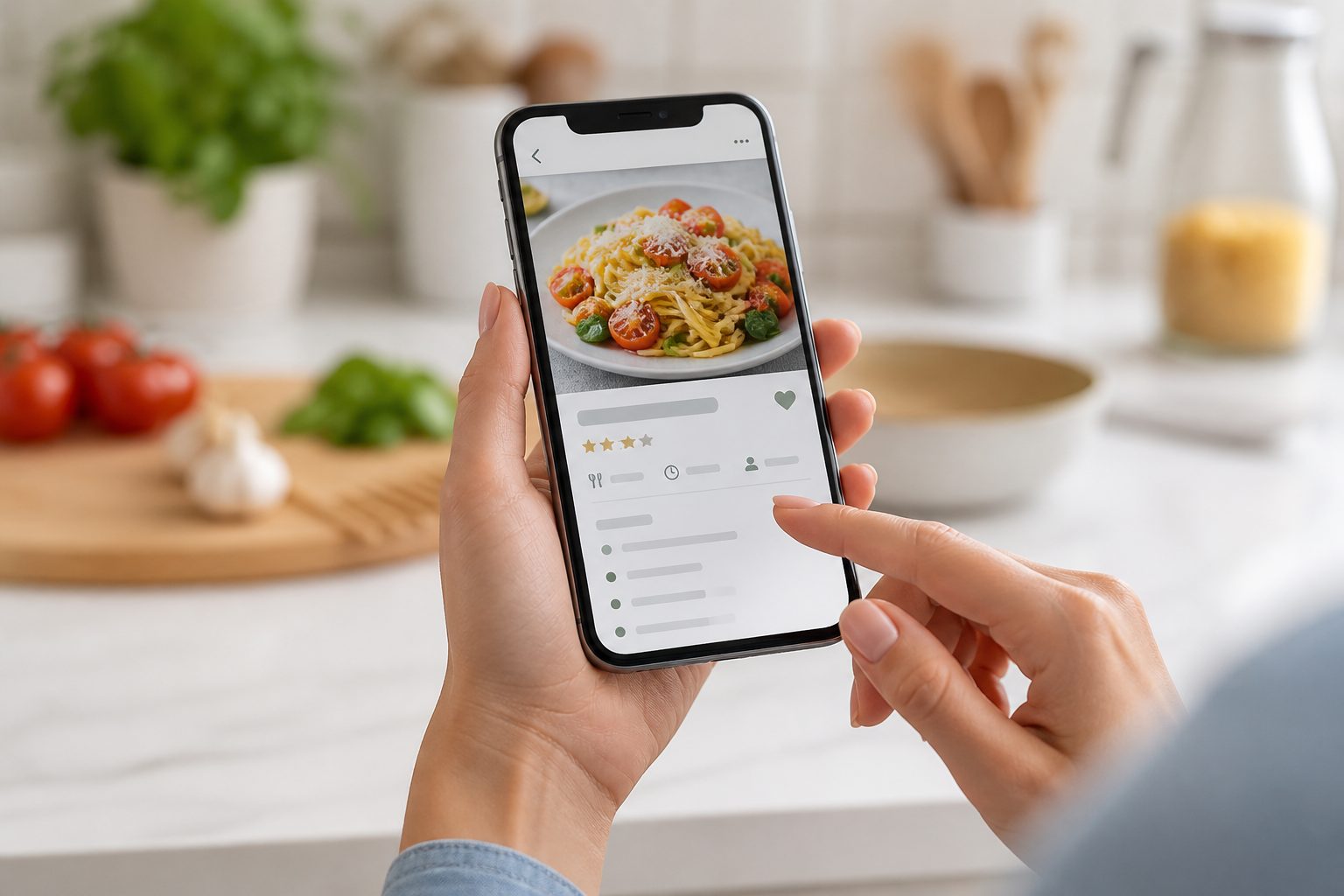
Step 01
Capture a recipe
Choose a screenshot, cookbook photo, or image from your camera roll. Kyura reads the visible recipe and prepares a structured draft.
See this feature →How Kyura works
Kyura keeps you in control at every step. It reads the source, prepares a draft, and connects the recipe to planning and shopping after you confirm it.
Choose a screenshot, cookbook photo, or image from your camera roll. Kyura reads the visible recipe and prepares a structured draft.
See this feature →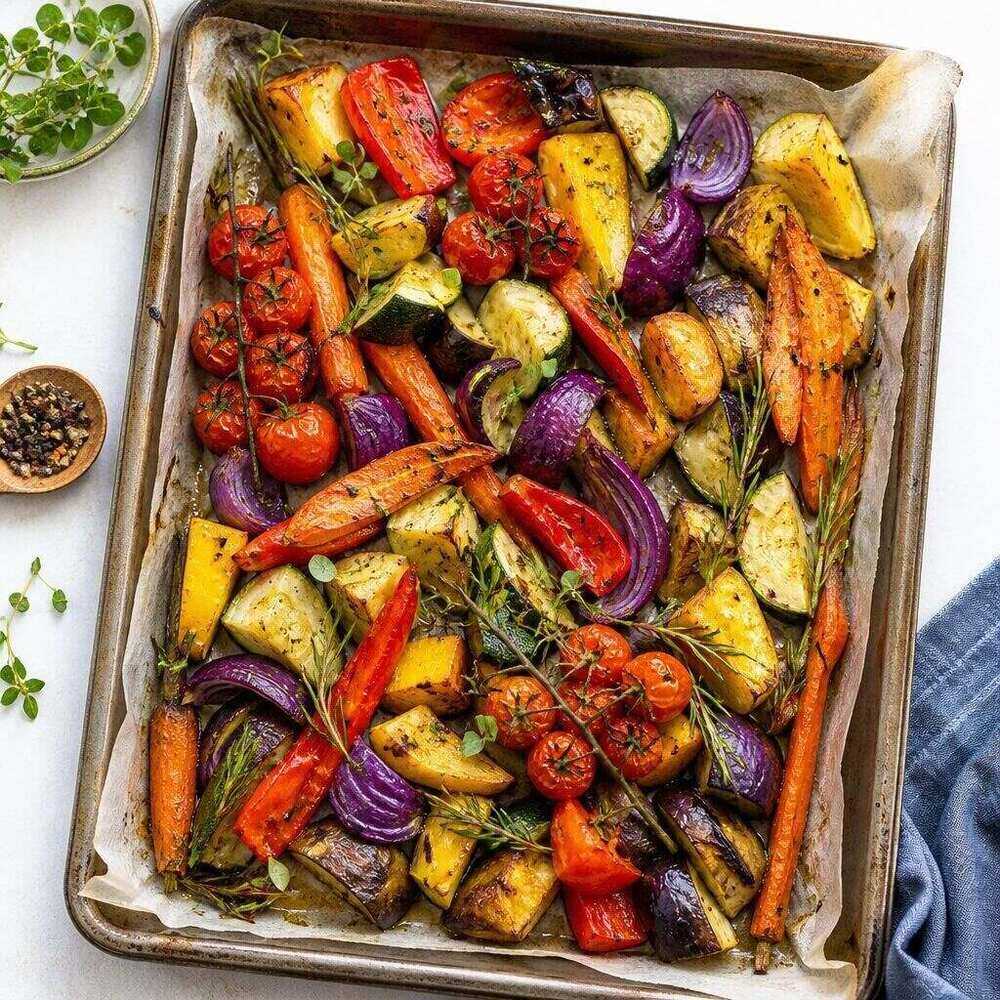
Check ingredients, method, serves, and timing. Correct anything that needs attention, then confirm tags and save the recipe to your library.
See this feature →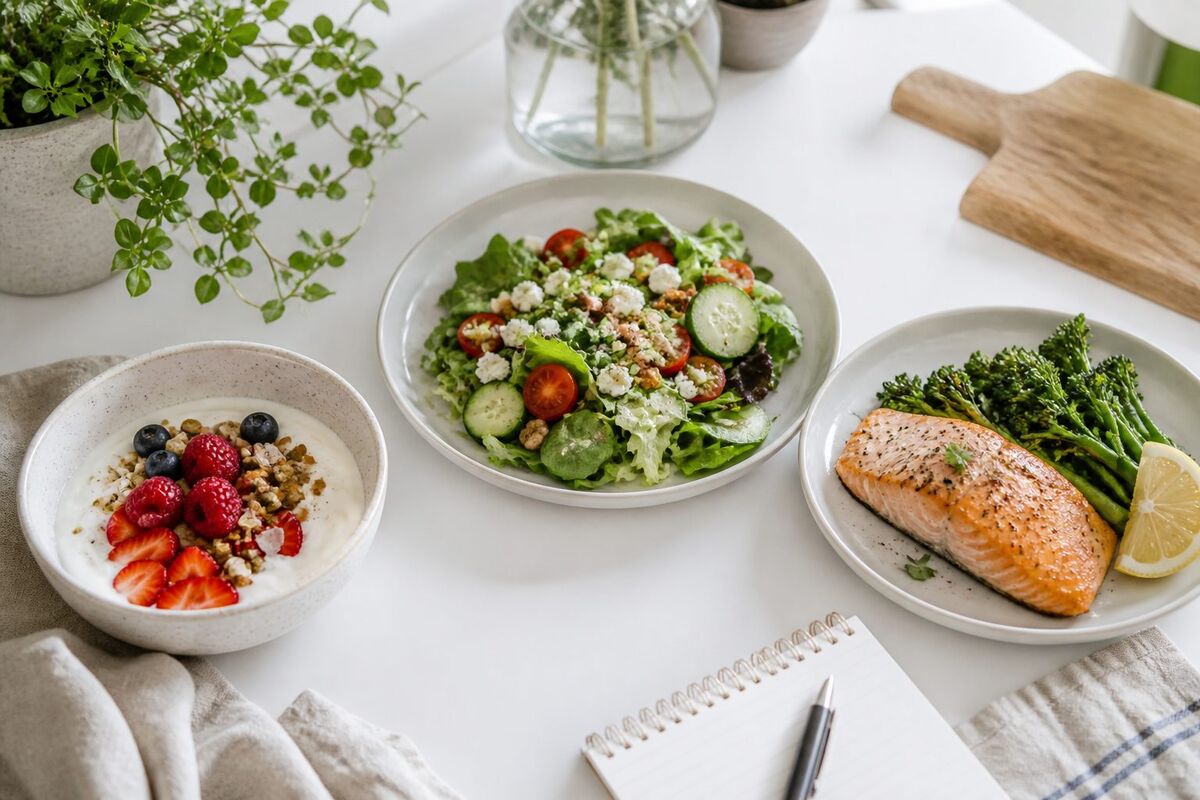
Choose meals from your library or let Generate my week prepare a draft. Adjust serves, leave room for leftovers, and swap any slot.
See this feature →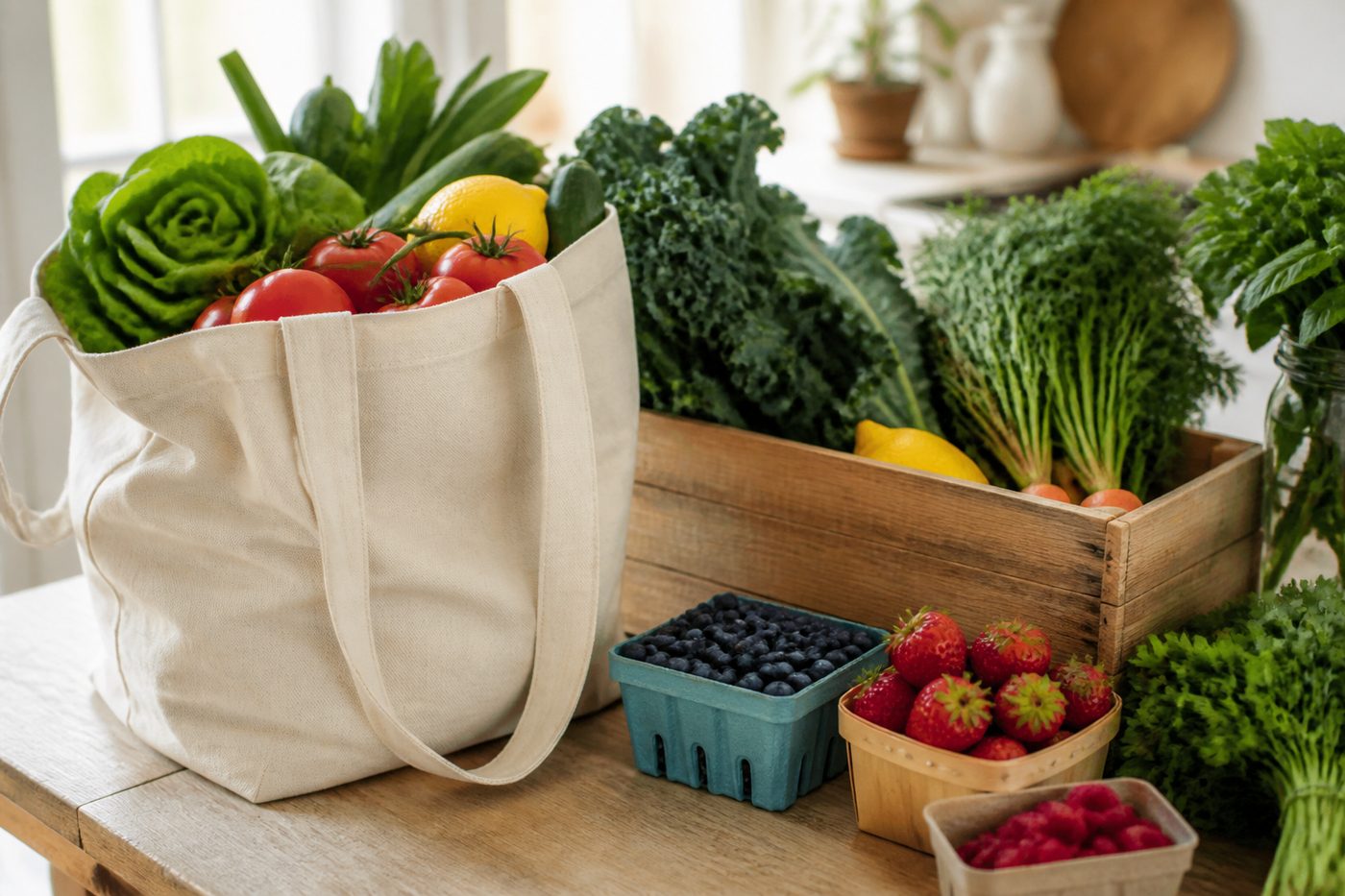
Generate the list from planned recipes. Review consolidated quantities, remove pantry items, compare the estimate with your budget, and tick as you shop.
See this feature →Clear boundaries
You review the recipe before saving it.
You check dietary and allergy information.
You provide prices and confirm the real shop.
You decide which meals belong in the plan.
Go deeper
A useful plan starts with recipes you trust. Our guides explain how to capture a clean source, organise a cookable collection, and set a grocery budget using personal prices.
Read the kitchen guides →“Your recipe collection is waiting. Add your first one.”
Warm prompts, useful next steps, and no corporate dashboard language.
Open Kyura on the web, add the first recipe you want to keep, and build the week from food you already love.
Web app available now. Native store links will appear after publication.