Kyura vs Paprika
Kyura vs Paprika Recipe Manager
Paprika is a mature, one-time-purchase recipe manager built around web clipping and manual entry. Kyura is a new app built around reading recipes out of screenshots and photos. They solve a similar problem in different ways.
Fair comparison
How the two apps differ
Paprika Recipe Manager has been around for years and has a loyal following, largely on the strength of its browser and app clipping tools, meal calendar, and reliable grocery lists. It is a manual-entry-first product: you type a recipe in, or clip it from a website, and Paprika stores it cleanly.
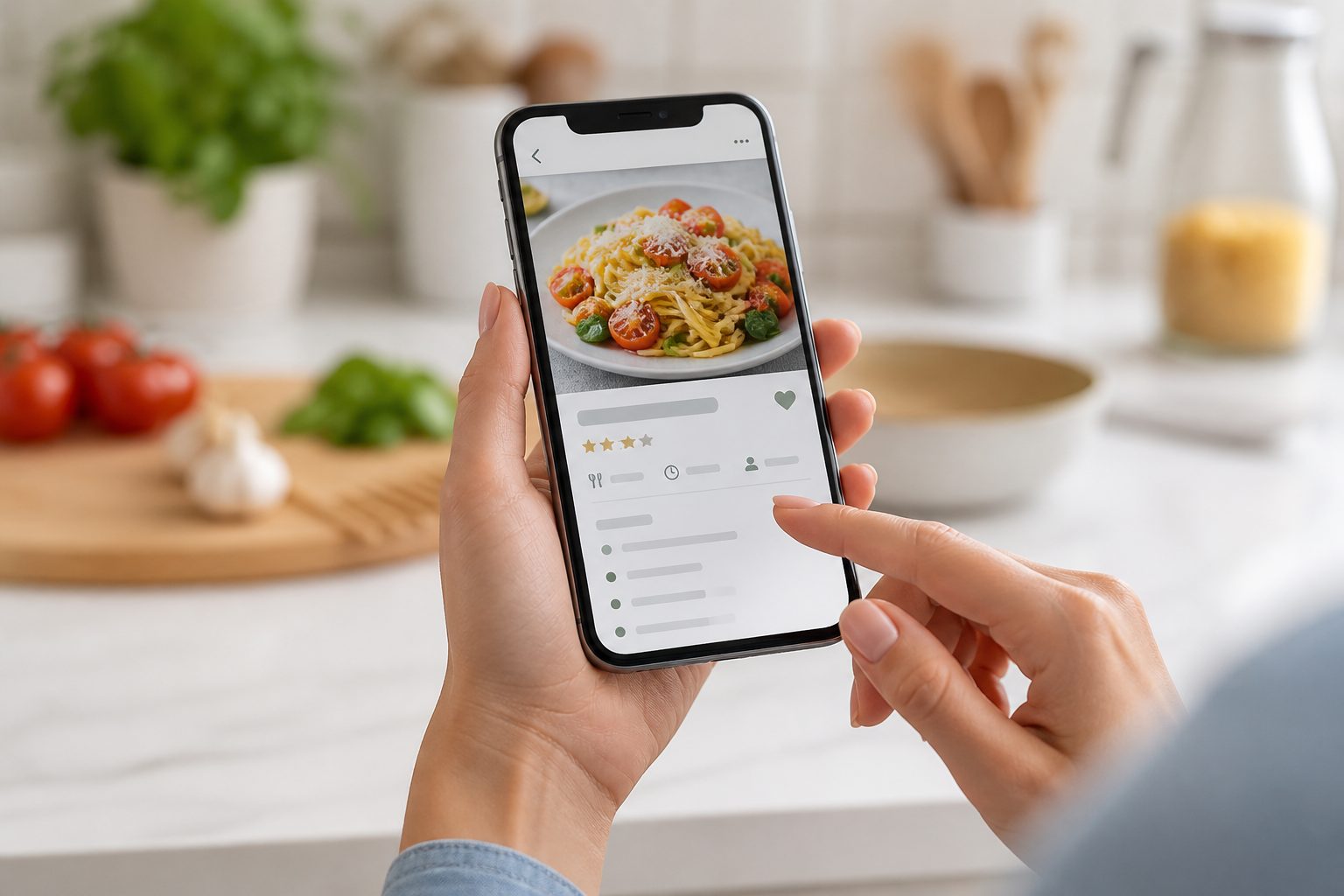
Kyura starts from a different everyday problem: recipes that already exist as a screenshot, a saved social media post, or a photo of a cookbook page. Kyura reads that image into an editable draft so you are not retyping ingredients and method by hand. It is a new, small product, not a long-established one, and it does not have Paprika's web clipping tools or a dedicated desktop app.
If most of your recipes come from browsing recipe websites on a laptop, Paprika's clipper is a genuine strength Kyura does not try to match. If most of your recipes arrive as screenshots, photos, or saved posts on your phone, that is the specific problem Kyura is built around.
Feature by feature
Kyura vs Paprika Recipe Manager
A feature-by-feature look at where the two apps currently differ. Kyura is Android and web only at the time of writing; see the platform row below.
| Feature | Kyura | Paprika Recipe Manager |
|---|---|---|
| Getting a recipe in | Photograph or screenshot a recipe and Kyura reads it into an editable draft for you to review before saving. | Manual entry, or clip a recipe from a website using the Paprika browser extension or in-app browser. No AI or screenshot import. |
| Web clipping | Not a feature in v1. A screenshot of a recipe page can be imported the same way as any other screenshot. | A mature, dedicated clipping tool for recipe websites, one of Paprika's best known strengths. |
| Recipe organisation | Search plus dietary, meal type, cuisine, effort, and custom tags, with automatic tag suggestions you can edit. | Categories, tags, and search across a manually built recipe collection. |
| Meal planning | Weekly planner with flexible meal slots, connected to your saved recipe library, plus an optional Generate my week tool. | A meal planning calendar, a longstanding part of the app. |
| Shopping list | Consolidated list generated from chosen recipes or a full week, with optional cost-per-serve and budget tracking. | Grocery list generated from recipes, organised into a structure you can adjust. |
| Platform availability | Android app (direct download, not yet on Google Play) and a web app that works in any browser. No iPhone app yet. | Apps for iPhone, Android, Mac, and Windows, sold separately per platform, as of writing. |
| Pricing model | Free tier plus a subscription (monthly or annual, priced in the app) for the full feature set. | A one-time purchase per platform, no ongoing subscription, as of writing. |
| Track record | A new, small product that is actively being built. | An established app with a long history and a loyal user base. |
Pricing
What each app costs
Kyura
Free tier for up to 10 manually entered recipes and a basic shopping list. Kyura Premium is billed monthly or annually with a 7-day trial; the exact price is shown in the app before you subscribe.
Paprika Recipe Manager
A one-time purchase, roughly $4.99 to $5 for the mobile app and $29.99 for the desktop app as of writing. Mobile and desktop are typically sold separately, with no recurring subscription.
If avoiding a subscription matters to you, Paprika's one-time pricing is worth weighing against Kyura's ongoing plan. If you would rather not pay for a desktop app and a mobile app separately, that is worth weighing too.
Who each one suits
Neither app is right for everyone
Kyura may suit you if
- You mostly save recipes from screenshots, saved social posts, or photographed cookbook pages and want that turned into an editable recipe instead of typing it out.
- You want meal planning, a shopping list, and an early budget view connected to the same recipe library.
- You are comfortable with a newer product on Android or the web, in exchange for the screenshot workflow.
Paprika Recipe Manager may suit you if
- You want to pay once per platform and be done, without an ongoing subscription.
- You clip a lot of recipes directly from websites while browsing on a laptop or desktop.
- You want a desktop app, or an iPhone app, which Kyura does not have yet.
- You want a long-established product with years of a track record behind it.
Common questions
Before you switch or add an app
Does Kyura import recipes the same way as Paprika?
No. Paprika is built around a browser and app clipping tool for recipe websites, plus manual entry. Kyura is built around reading a screenshot or photo of a recipe into an editable draft. Neither approach replaces the other; they suit different sources.
Which is cheaper, Kyura or Paprika?
It depends on how long you use each app and which platforms you need. Paprika is a one-time purchase per platform (mobile and desktop sold separately), while Kyura Free is free with limited recipes and Kyura Premium is an ongoing subscription. Check current pricing in each app before deciding.
Can I clip recipes from websites in Kyura the way I can in Paprika?
Not with a dedicated clipper. Kyura does not have Paprika's browser clipping tool. A screenshot of a recipe webpage can be imported the same way as any other screenshot, but it is not the same workflow.
Does Kyura have a desktop app like Paprika?
Not yet. Kyura currently has an Android app (direct download) and a web app that works in any browser, including on a desktop computer, but there is no dedicated Mac or Windows desktop app.
Your recipe collection is waiting
Open Kyura on the web, add the first recipe you want to keep, and build the week from food you already love.
Web app available now. Native store links will appear after publication.