From camera roll to cookbook
Screenshot to recipe
Upload a screenshot or photo. Kyura reads the title, ingredients, method, times, and serves, then lays everything out cleanly for you to review before saving.
Open Kyura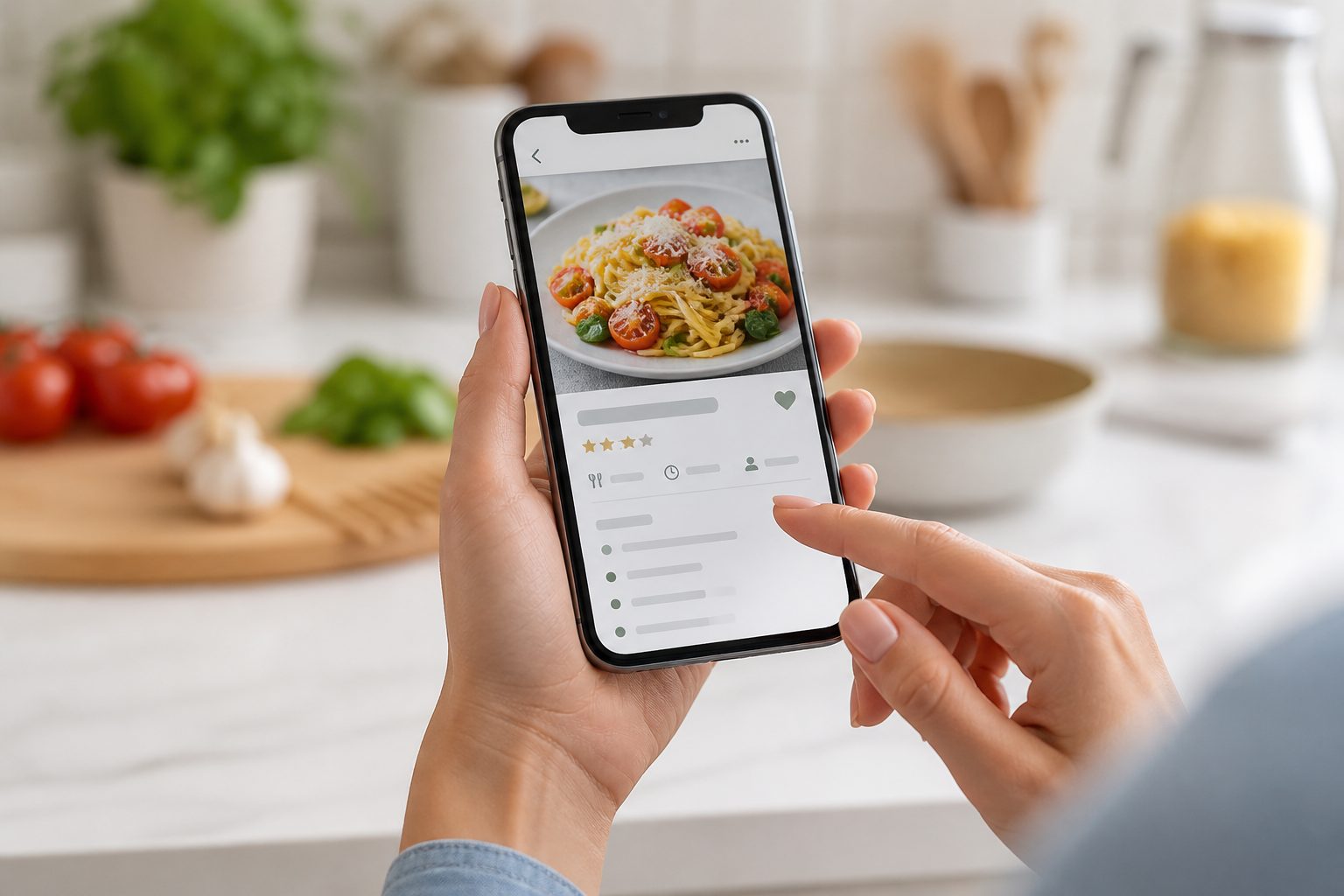
Why it matters
Built around the way recipes really arrive
Recipes arrive in messy ways. They are saved in camera rolls, buried in social posts, photographed from cookbooks, or scattered across browser tabs. Kyura starts with that reality instead of asking you to type everything again.
When you add an image, Kyura reads the visible recipe and builds a structured draft. The title, ingredient list, method, serving size, preparation time, and cooking time are separated into fields you can edit. Nothing enters your library until you have reviewed it.
The source image stays attached for reference. If handwriting, a cropped screenshot, or an unusual layout causes a mistake, you can compare the draft with the original and correct it before saving.
The flow
How it works
Choose the source
Select a screenshot, photograph a cookbook page, or take a new photo.
Let Kyura read it
OCR and recipe parsing turn the image into a structured draft.
Review with care
Check the title, ingredients, method, serves, and timing. Edit anything that needs attention.
Save to your library
Confirm the draft and keep the source image with the finished recipe.
Built for imperfect sources
The review step matters because screenshots, captions, and cookbook pages are not always clean. Kyura helps with the first pass while you keep final control.
Your content stays yours
Kyura organises the recipes you choose to save. It does not publish them into a public recipe feed.
Connection required for capture
AI extraction needs an internet connection. Saved recipes remain available according to your account and offline settings.
Common questions
Clear before clever
Can Kyura read a cookbook photo?
Yes. A clear, well-lit photograph can be processed like a screenshot. You should still review every field before saving, especially quantities, temperatures, and timing.
Does Kyura keep the original image?
Yes. The source image can be stored beside the formatted recipe so you can refer back to the original layout or wording.
Will extraction always be perfect?
No image-reading system is perfect. Kyura presents an editable draft and asks you to confirm it before the recipe enters your library.
Keep exploring
Related parts of the week
Go deeper
Related guides
11 minute read
Screenshot to Recipe: The Complete Guide
Read the guide →8 minute read
How to Save Recipes from Instagram (and Actually Find Them Again)
Read the guide →8 minute read
How to Save Recipes from TikTok Without Losing Them
Read the guide →9 minute read
Recipe Scanner Apps Explained: Cookbook Pages, Handwritten Cards and Screenshots
Read the guide →Your recipe collection is waiting
Open Kyura on the web, add the first recipe you want to keep, and build the week from food you already love.
Web app available now. Native store links will appear after publication.