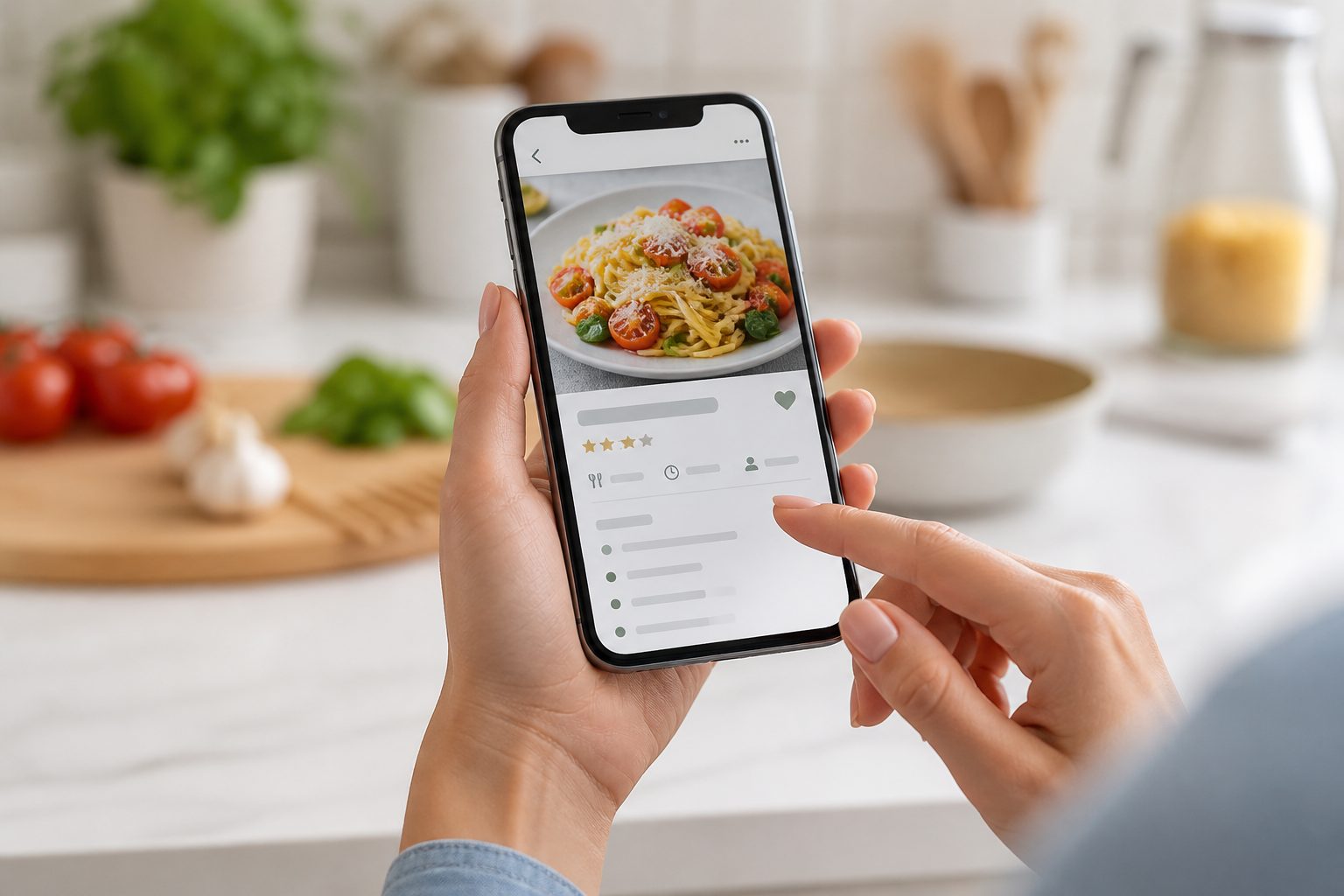
Open most home cooks' camera rolls and somewhere in the thousands of holiday photos and screenshots of receipts sits a graveyard of recipes: a lasagne from Instagram, a curry from TikTok, three versions of the same banana bread, a cookbook page photographed in a friend's kitchen two years ago. Nobody set out to build an unsearchable recipe archive. It just happened, one save button at a time.
Why the backlog happens
Saving a recipe is instant. A screenshot takes half a second, and the next post is already loading before you've stopped scrolling. Actually using a saved recipe requires remembering it exists, finding it again in a camera roll with no real search function, and then working out the ingredients and method from an image that was never meant to be read at arm's length while cooking. The gap between capture and use grows every day the screenshot count grows, and eventually it feels too large to close.
You don't need to process the whole backlog
The idea of sitting down and sorting four hundred screenshots into a tidy system in one weekend is the reason most people never start. A more realistic approach is to stop treating it as a single project and start treating it as an ongoing habit attached to something you're already doing: cooking dinner.
Turning a screenshot into something searchable
When you're about to cook something you saved a while ago, that's the moment to bring it into Kyura properly rather than squinting at the original screenshot while your hands are covered in flour. Upload the image, let screenshot capture read the title, ingredients, method, and timing into a structured draft, then check it over before saving. The source image stays attached, so if the extraction gets something wrong, a cropped ingredient list or an unusual layout, you can compare against the original and fix it in seconds rather than retyping the whole thing.
Cook first, digitise as you go
This "digitise on use" approach means the recipes that matter, the ones you actually cook, get organised first, while the ones that were saved on a whim and never revisited stay exactly where they are: unconverted, in the camera roll, taking up no more of your attention than they already were. Over a few months of normal cooking, a meaningful chunk of the backlog gets processed without ever feeling like a chore, because it happened alongside dinner rather than instead of a free evening.
What happens to the ones you never convert
Not every screenshot deserves a permanent home in your recipe library, and that's fine. A recipe saved on impulse two years ago that you've never once thought about again probably isn't a gap in your organisation, it's just something you were never going to cook. Deleting it, or simply leaving it in the camera roll unconverted, is a legitimate outcome. The goal of a recipe library is to hold what you actually use, not to preserve every screenshot you've ever taken out of guilt.
A smaller, searchable library beats a bigger, buried one
Forty organised recipes you can find by ingredient, meal type, or dietary tag are more useful than four hundred screenshots you'll never search through properly. If the backlog feels overwhelming, that's usually a sign the target is wrong, not that you've failed at organising your recipes.
A quick sorting pass, without full conversion
Before converting anything, it can help to scroll through the backlog once, quickly, with a much lower bar than "should I import this". Delete the obvious duplicates, the recipes for a dinner party that already happened two years ago, and anything that made sense at 11pm but doesn't survive daylight. This pass doesn't require reading each recipe properly or deciding whether it's good, only whether it's still worth keeping around at all. What's left afterwards is a smaller, more honest backlog, and it's usually far less than four hundred.
Letting the week ahead decide what gets converted
Rather than picking screenshots at random to digitise, let the coming week's meal plan set the order. If Thursday's dinner is coming from a recipe still sitting as a screenshot, that's the one to bring into Kyura properly today, not the recipe that merely looked appealing when you first saved it. Tying conversion to an actual plan, rather than to enthusiasm, is what keeps the habit going after the first few weeks.
If you do want to make a dent in one sitting
Some people genuinely want to clear a chunk of the backlog in one go, and that's a reasonable choice too, particularly before a big cooking project like meal-prepping a new season or building out a specific cuisine. If you do, work in a short batch, ten or fifteen screenshots, review each draft properly rather than rushing past the extraction step, and stop once the reviewing starts feeling mechanical. A rushed, unreviewed batch of fifty recipes with wrong quantities is worse than a careful ten, because it puts errors into a library you're meant to be able to trust.